ZESTYPRINTABLES
Expense tracker printable preview

Expense Tracker

Every purchase itemized, so the month adds up

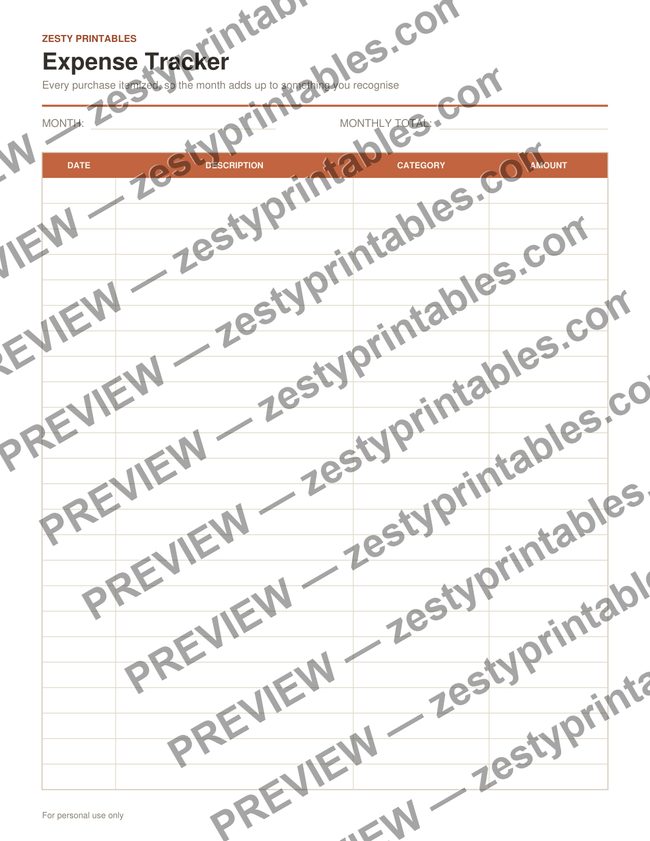
Twenty-four rows for logging what you actually spent, line by line, with a category column so you can see where the money went rather than just how much of it left.

  • 24 expense rows
  • Columns for date, description, category and amount
  • Month and Monthly Total fields at the top
  • Undated - use it for any month

Instant PDF download, print-ready on US Letter paper. No account needed.

How to Use It

  1. Write the month at the top.
  2. Add each purchase as it happens, with a category you'll recognise later.
  3. Total the amount column at the end of the month.

Frequently Asked Questions

How is this different from the Monthly Budget Tracker?

The budget tracker is for planning what you intend to spend by category. This one is for recording what you actually spent, purchase by purchase. Many people use both.

Are the categories preset?

No - the category column is blank so you use labels that match your own spending rather than someone else's.